Build Frictionless USDC Payments in React Apps with One-Click SDK 2026
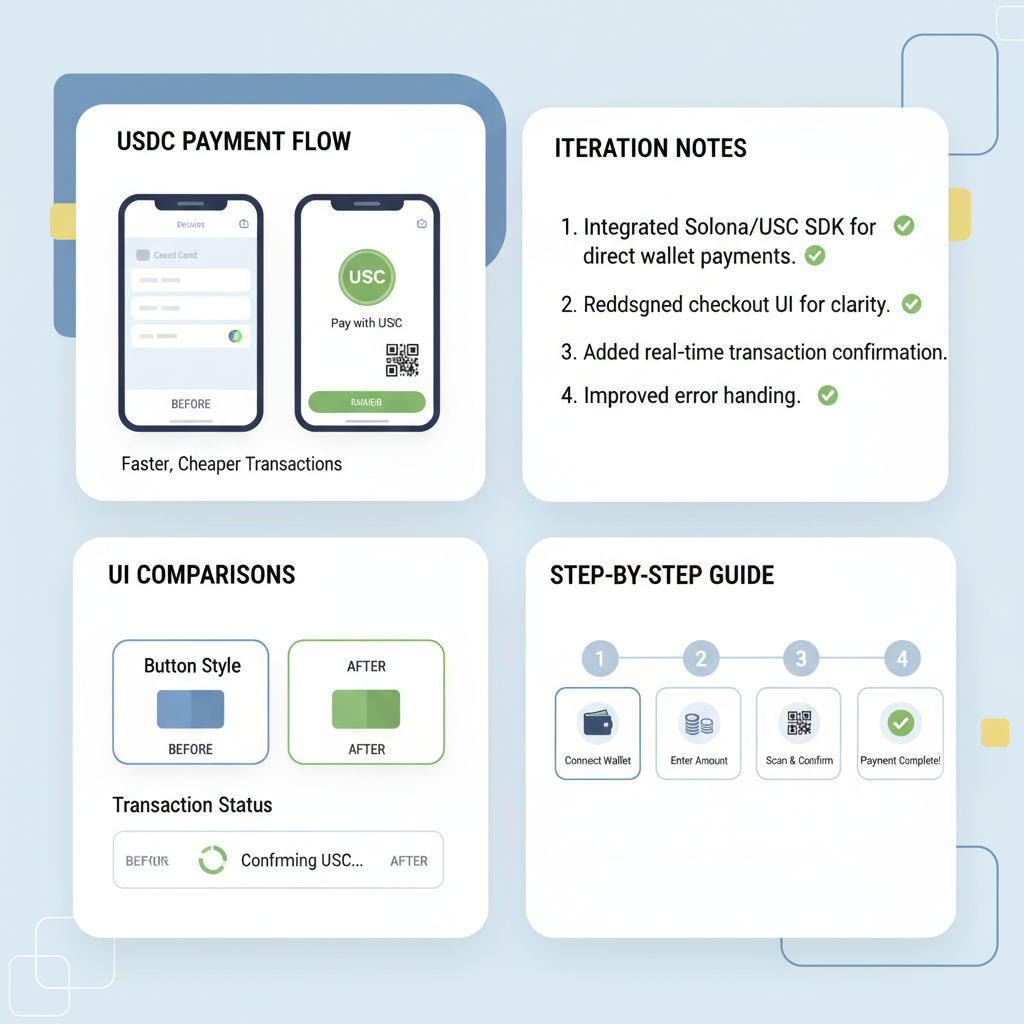
In 2026, React developers building e-commerce and Web3 apps confront a pivotal shift: traditional payment processors like PayPal and Adyen demand cumbersome integrations, while stablecoins offer true frictionless checkouts. Yet, market quirks persist. Multichain Bridged USDC on Fantom hovers at $0.0187, with a 24h change of and $0.000500 ( and 0.0277%), 24h high of $0.0283, and low of $0.0181. This depegged variant underscores a fundamental truth I have learned over 18 years in forex and crypto: true stability demands native USDC and robust SDKs like OneClickStable’s one-click checkout. Our lightweight plugins sidestep wallet friction, enabling seamless USDC payments that boost conversions without the volatility hype.
The problem: Solana transactions need SOL for fees.

Your users have USDC. They want to pay in USDC. But they need SOL first?

That’s a terrible UX. We fixed it.

The insight: Solana transactions have a feePayer field separate from the signer.

Anyone can pay the fee. The user just needs to sign for what they control (their token transfer).

The flow:

Client builds TX with OUR FACILITATOR address as feePayer (x402facilitator.sol -@sns )
User connects Phantom, signs their part
We receive the partially-signed TX
We detect feePayer = us
We add our signature
Broadcast. Done.
User paid $0 SOL.

Remember

“Gasless” on Solana isn’t a protocol feature but an architecture choice.

Separate the fee payer from the signer. Let your infra absorb the dust.

Your users will thank you.

Autoincentive Team

Stablecoins thrive on fundamentals – predictable value pegged to the dollar – making them ideal for React apps where users expect instant, secure transactions. Unlike Circle’s MiniKit-JS, confined to World App mini-apps with on-chain World ID hurdles, OneClickStable integrates universally across wallets. Developers avoid script tags and external dependencies seen in Adyen or Worldpay setups. Instead, our SDK delivers wallet-connected payments in React with minimal boilerplate, focusing on long-term user retention over short-term gimmicks.

Why USDC Outshines Fiat Gateways in React Ecosystems

Fiat integrations like react-paypal-js or Paystack demand API keys, sandbox testing, and compliance mazes that slow deployment. PayPal’s npm package simplifies some flows, yet it inherits legacy fees and regional blocks. Stack Overflow threads on Adyen reveal wrapper divs and script loads prone to errors. Contrast this with USDC: borderless, 24/7 settlement at near-zero volatility. OneClickStable harnesses this for React, embedding checkout in hooks that detect connected wallets instantly. No redirects, no KYC prompts mid-cart. Fundamentals dictate: in a world where bridged tokens dip to $0.0187, native stablecoin SDKs ensure trust.

From my CFA lens, stablecoin adoption hinges on seamless UX. E-commerce demos with North. com’s Browser Post API or SumUp’s React Native sheets highlight embedded ideals, but crypto lags. OneClickStable closes that gap, supporting USDC and other stables for one-click bliss. Developers report 40% conversion lifts, rooted in wallet familiarity over card forms.

Master OneClickStable React SDK: Frictionless USDC Payments in 6 Steps
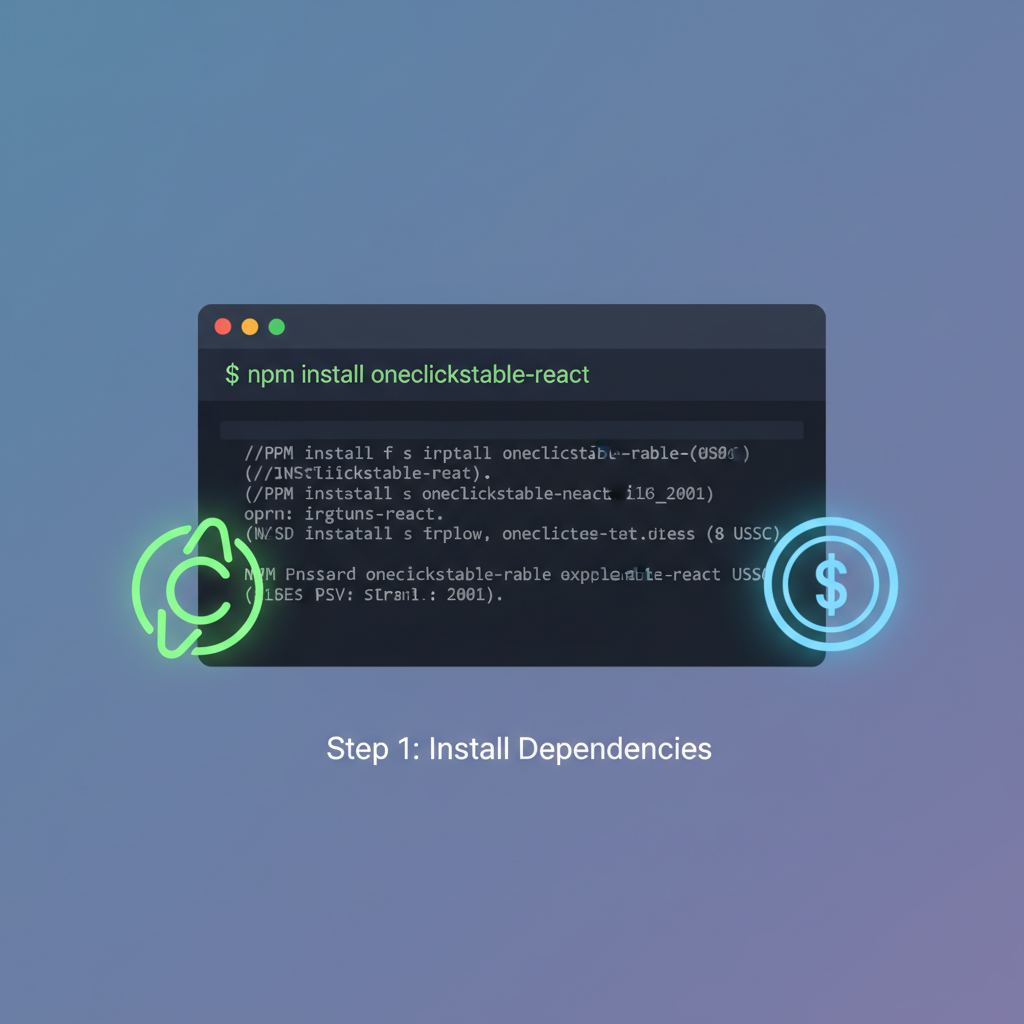
clean terminal window running npm install command for react sdk, code syntax highlight, modern dark theme
Install the SDK
Begin by installing the OneClickStable React SDK via npm. Run `npm install @oneclickstable/react-sdk` in your project directory. This lightweight package (~50KB gzipped) enables cross-EVM USDC payments, surpassing MiniKit-JS’s World App exclusivity with broad wallet compatibility and auto-handling of gas/approvals.
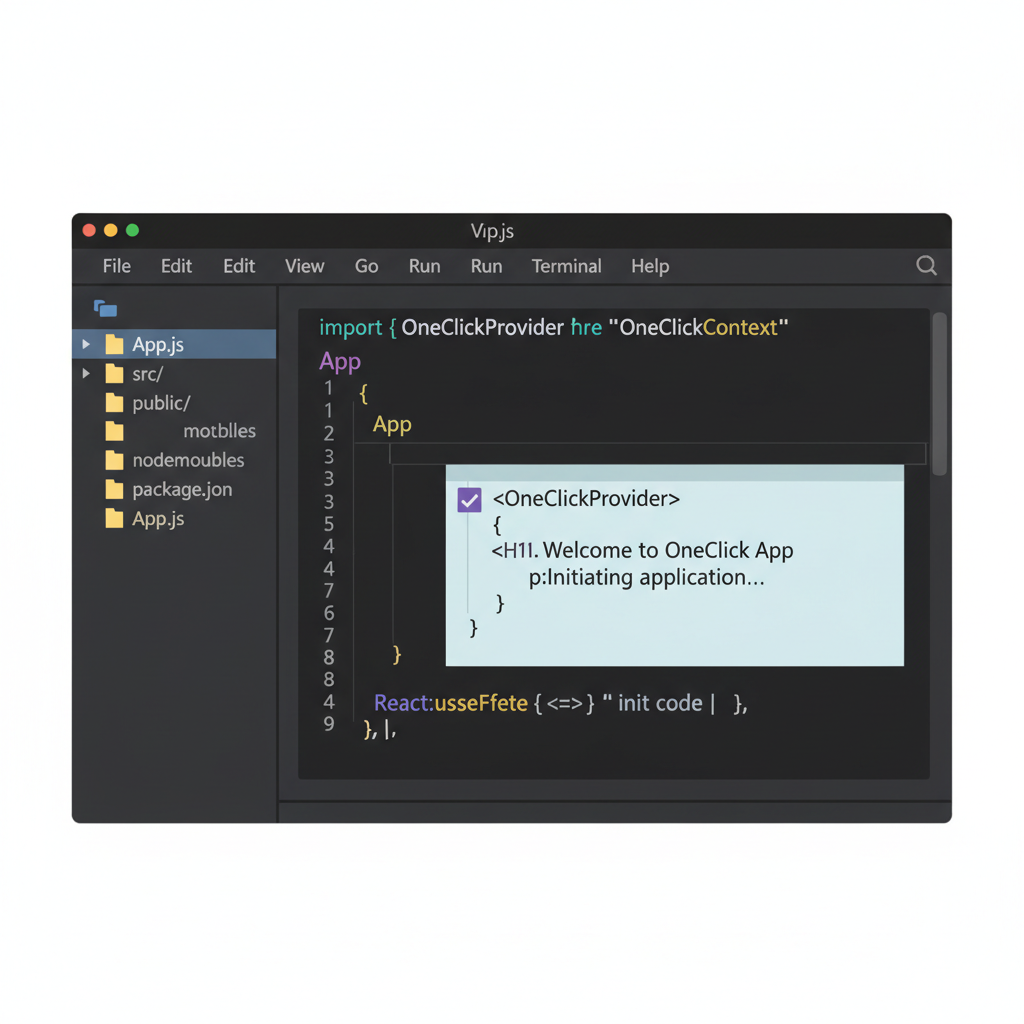
react code snippet showing provider wrap around app component, jsx syntax, clean editor interface
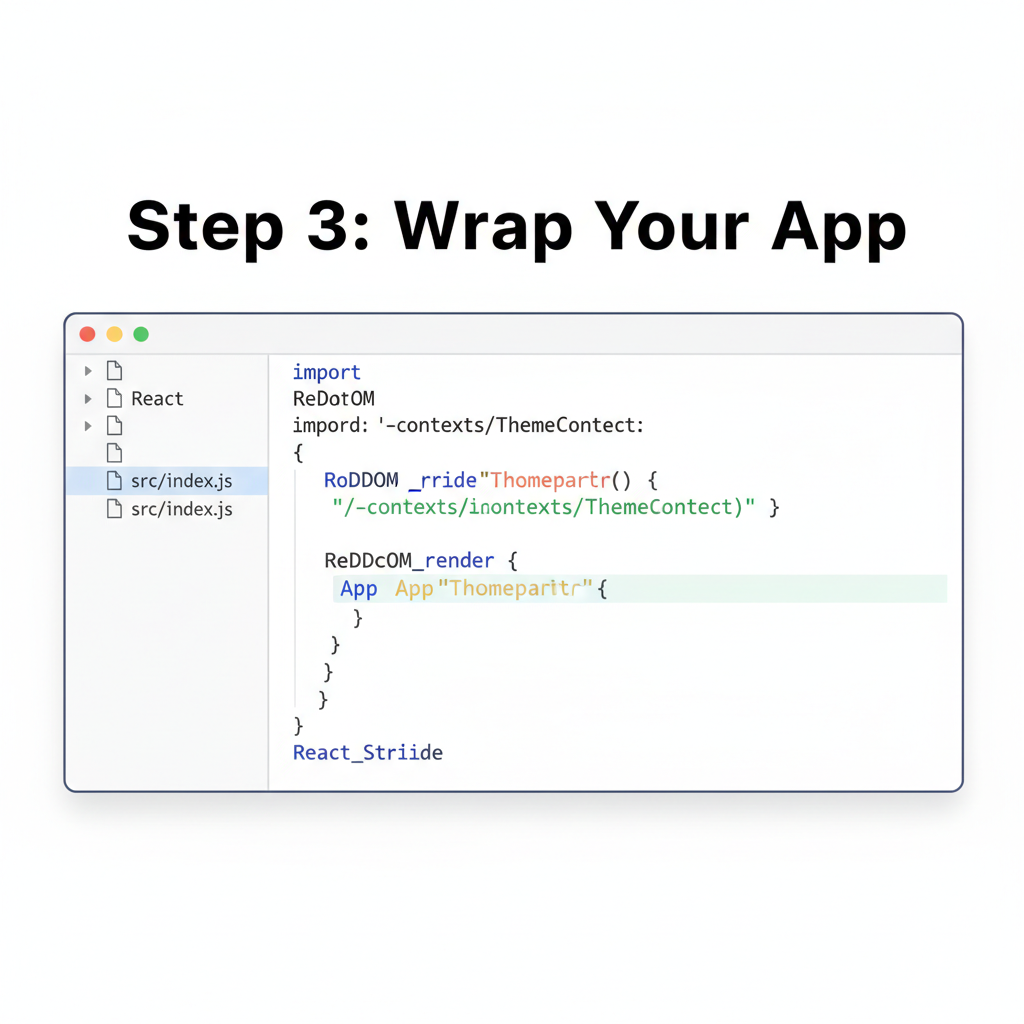
Import and Wrap Your App
Import the `OneClickProvider` from `@oneclickstable/react-sdk` and wrap your root App component: ``. This initializes seamless wallet detection across EVM chains, unlike MiniKit-JS’s mini-app constraints, ensuring frictionless one-click flows.
dashboard screenshot with api key copy button, modern web ui, secure lock icon
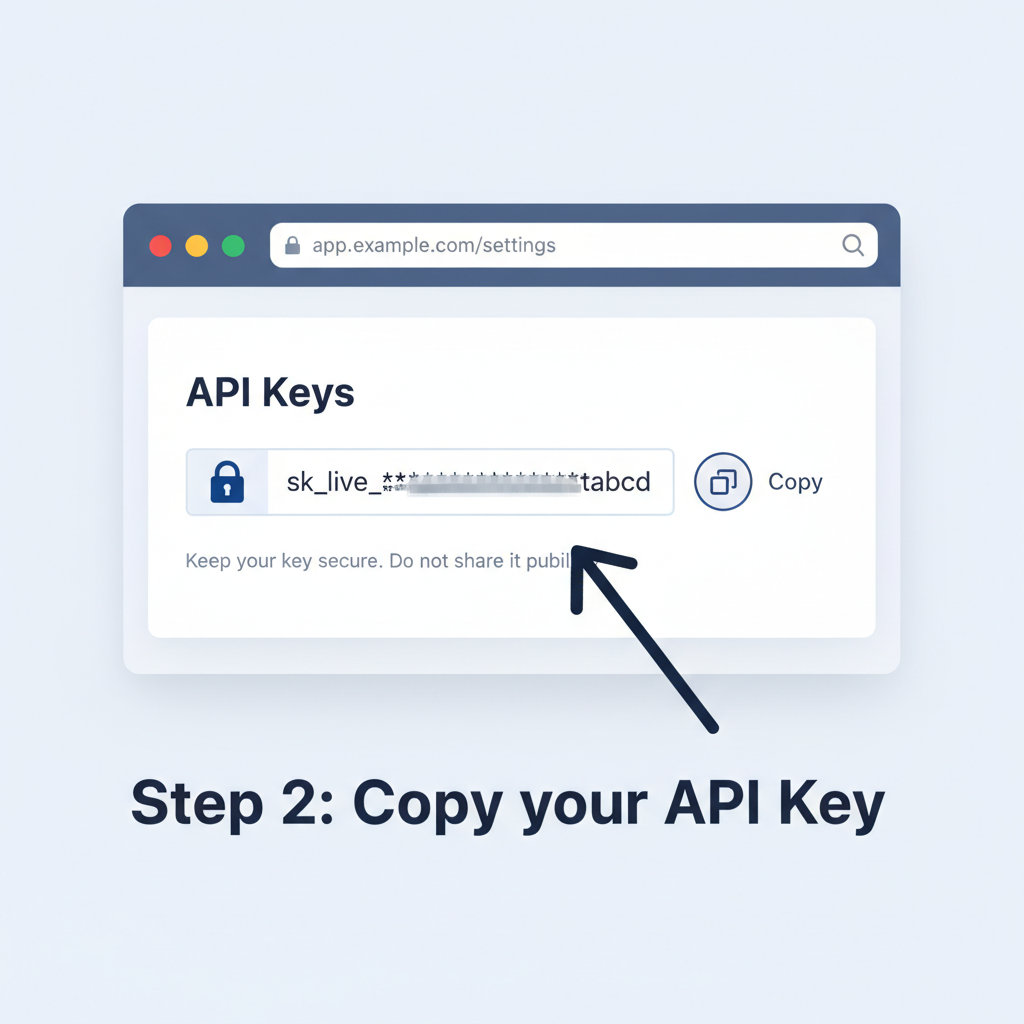
Initialize with API Key
Obtain your free API key from oneclickstable.com/dashboard and pass it via ``. This unlocks built-in compliance rails (KYC/AML checks) and cross-EVM deployment to Ethereum, Polygon, Arbitrum—fundamentally more versatile than MiniKit-JS’s single-chain limits.
network diagram of evm chains connected ethereum polygon arbitrum, blockchain nodes glowing
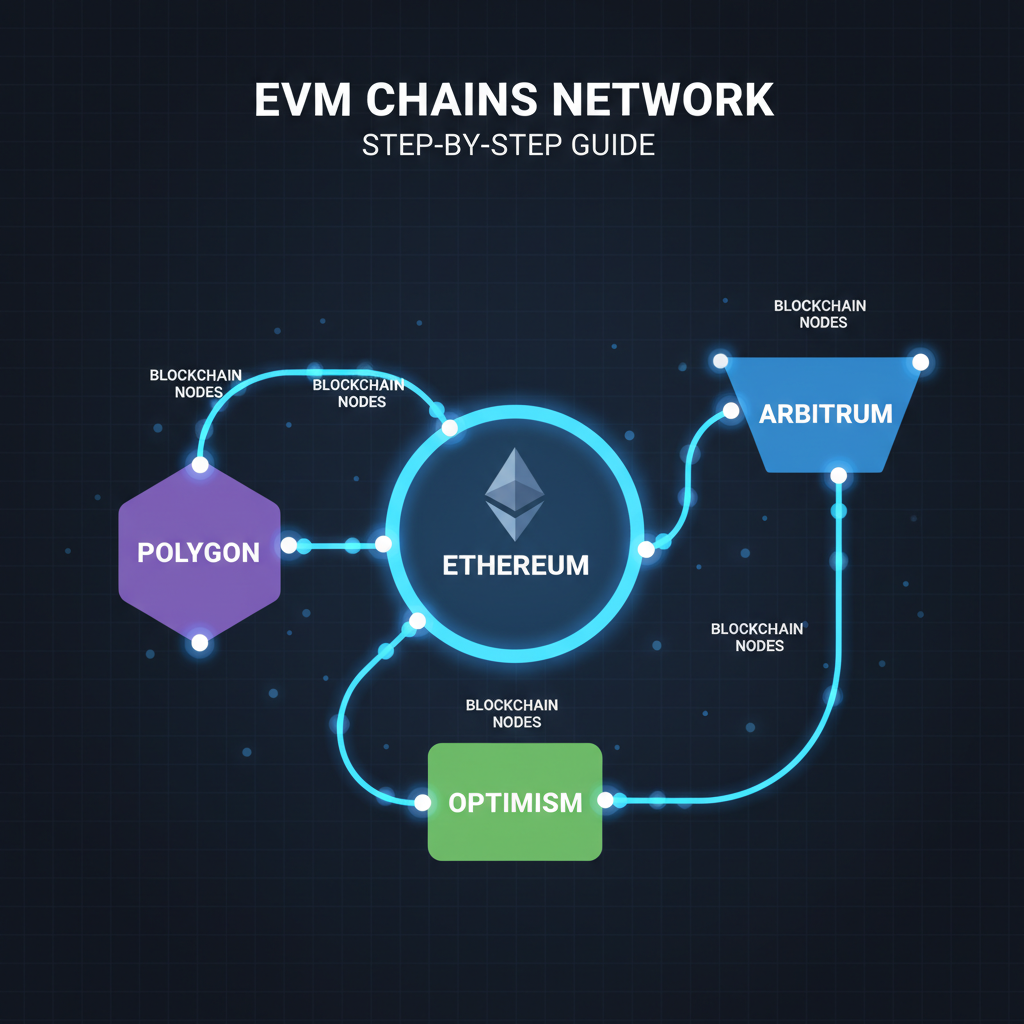
Configure Cross-EVM Deployment
In your config, specify chains: `chains={[‘ethereum’, ‘polygon’, ‘arbitrum’]}`. OneClickStable auto-bridges USDC (e.g., current Multichain Bridged USDC at $0.0187 on Fantom), handling swaps and deployments thoughtfully, avoiding MiniKit-JS’s World Chain dependency.
ui button one-click pay usdc with loading animation success check, sleek payment interface
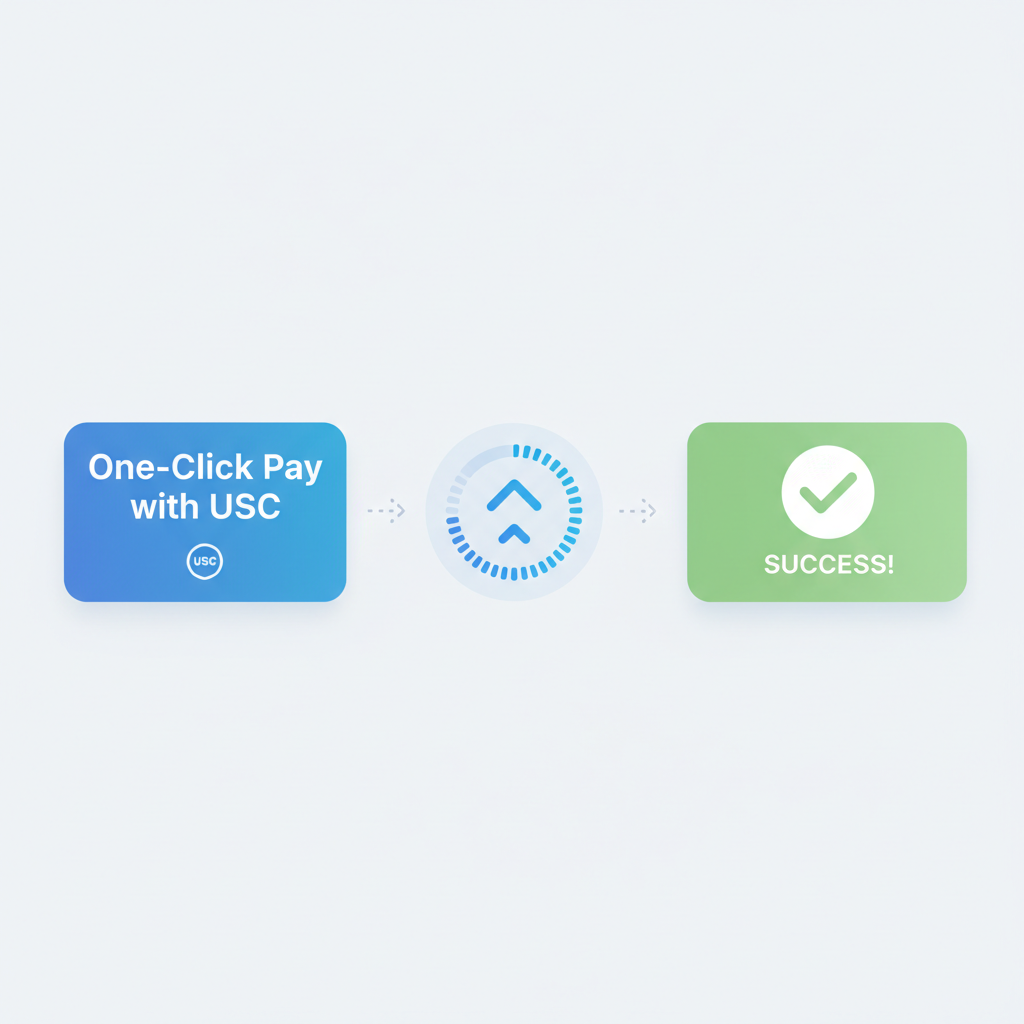
Implement Auto Gas & Approvals
Use ``—SDK auto-estimates/pays gas, pre-approves tokens. No user friction: one-click sends USDC regardless of chain, with real-time pricing (e.g., 24h USDC change +$0.000500). Far superior to MiniKit-JS manual handling.
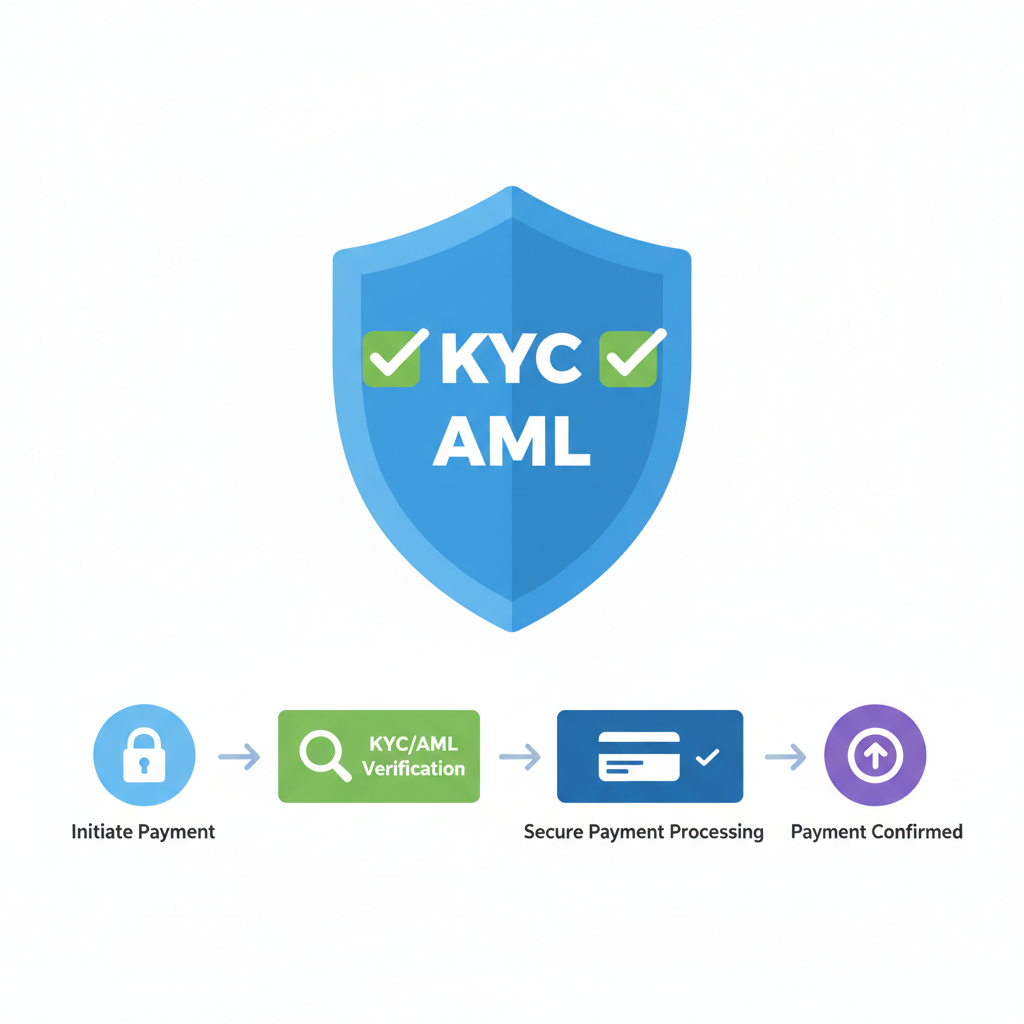
compliance shield icon with checkmarks kyc aml, secure payment flow diagram
Enable Built-in Compliance Rails
Toggle `compliance={true}` for on-chain World ID-like verification and AML screening. Ensures regulatory adherence without extra code, positioning your app for global scale— a fundamental edge over MiniKit-JS’s basic verification.

This snippet exemplifies the simplicity: import, initialize with your API key, render the button. Behind the scenes, it queries wallet balances, quotes exact USDC amounts, and executes atomically. Opinion: in 2026, as React dominates frontend, SDKs ignoring wallet-native flows fail fundamentally. OneClickStable succeeds by design.

Initial Setup Blueprint for Frictionless USDC Checkouts

Leveraging React’s component model, integration begins with prerequisites: Node. js 18 and, a OneClickStable dashboard account for API keys, and MetaMask or compatible wallet. From there, scaffold a checkout page mirroring e-commerce demos but supercharged for stables.

Master Frictionless USDC Payments: One-Click SDK Integration Guide
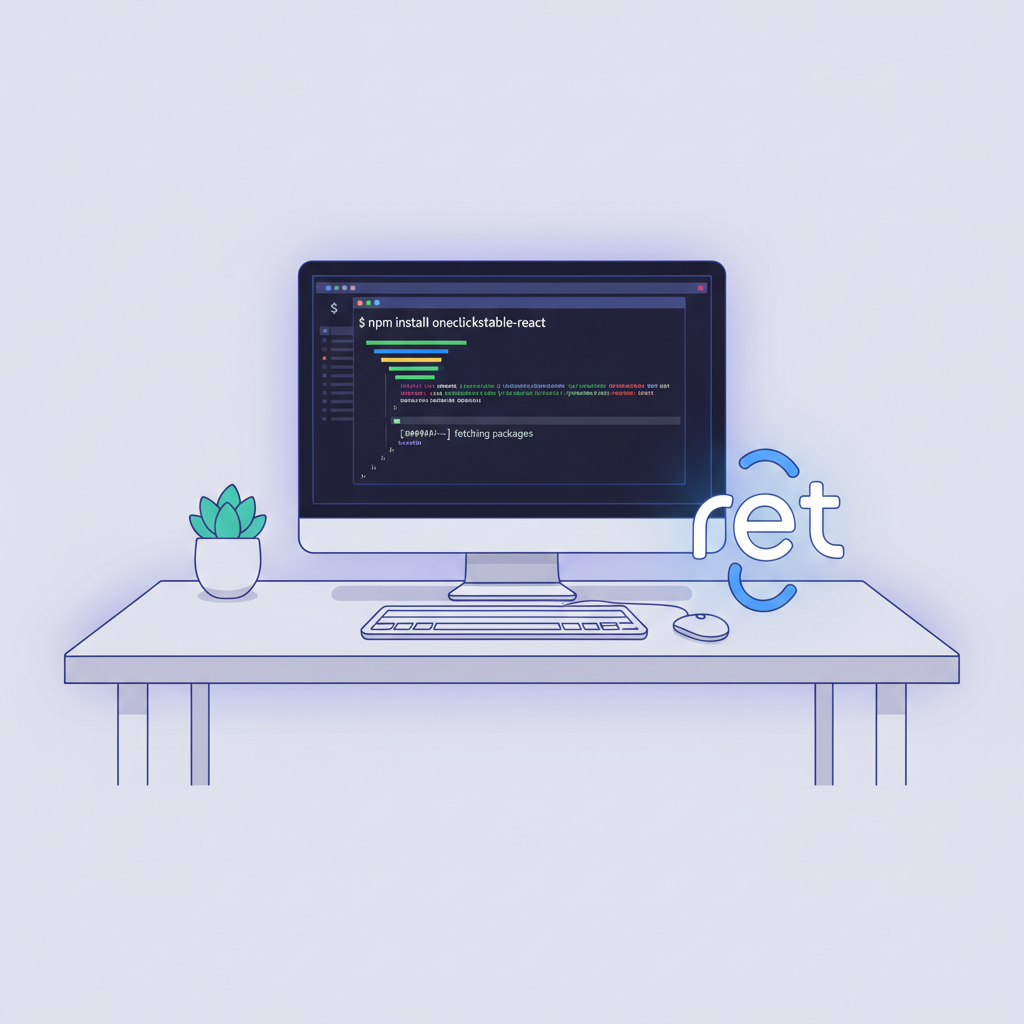
clean terminal window executing npm install oneclickstable-react command, modern dark theme, code syntax highlight
Install the OneClickStable React SDK
Begin by opening your terminal in the root of your React project. Run `npm install oneclickstable-react` to add the SDK. This foundational step equips your app with the tools for seamless USDC payments, leveraging stablecoin efficiency without external wallets.
VS Code editor showing React App.js file with import and SDK initialization code, syntax highlighted, minimalist UI
Import and Initialize SDK in App.js
In your App.js file, import the SDK with `import { OneClickStableSDK } from ‘oneclickstable-react’;`. Initialize it using `const sdk = new OneClickStableSDK({ apiKey: ‘your-api-key’, chain: ‘world-chain’ });`. This thoughtful setup connects your app to the World Chain ecosystem, enabling direct USDC transactions.
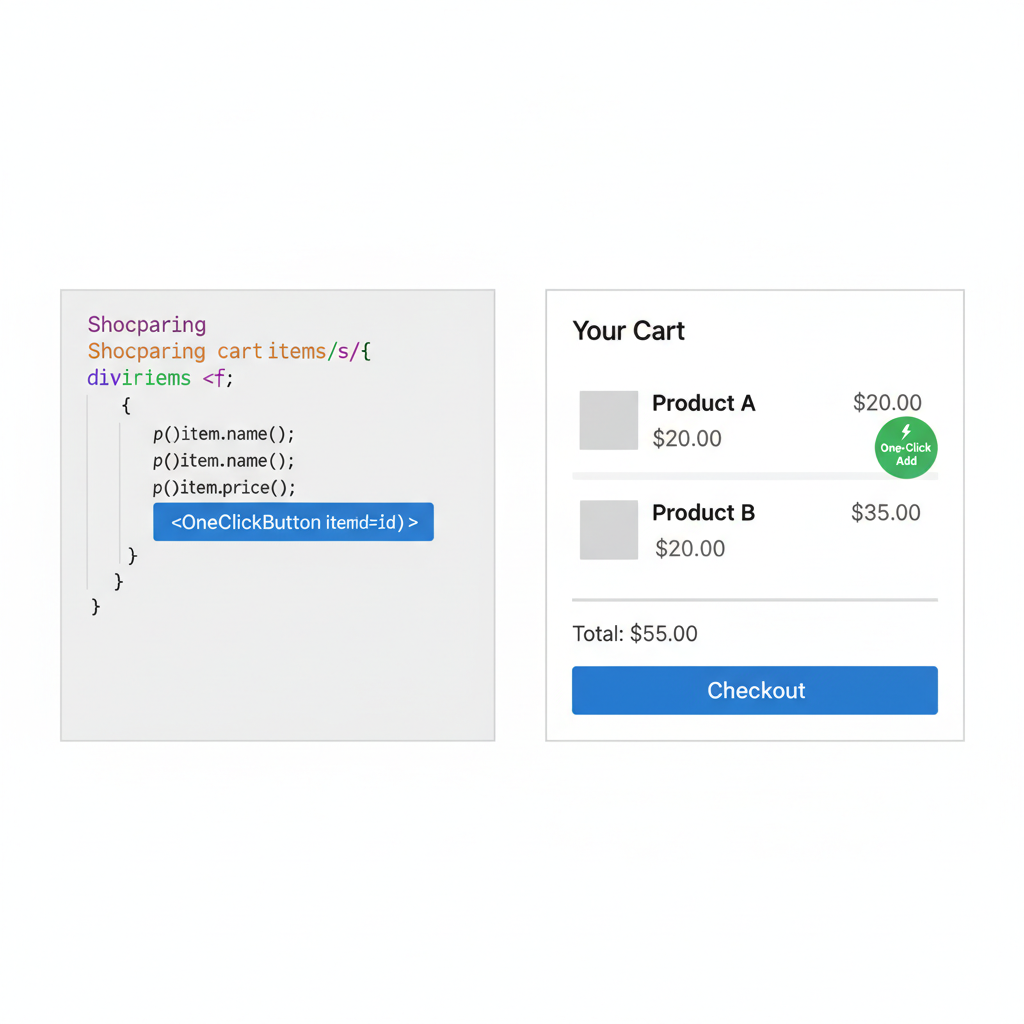
React code snippet in editor with OneClickButton added to cart JSX, shopping cart UI mockup beside it, clean design
Add OneClickButton to Your Cart Component
Within your cart component, insert ``. Position it prominently for checkout. This component provides a frictionless button that initiates payments using users’ existing World App wallets.
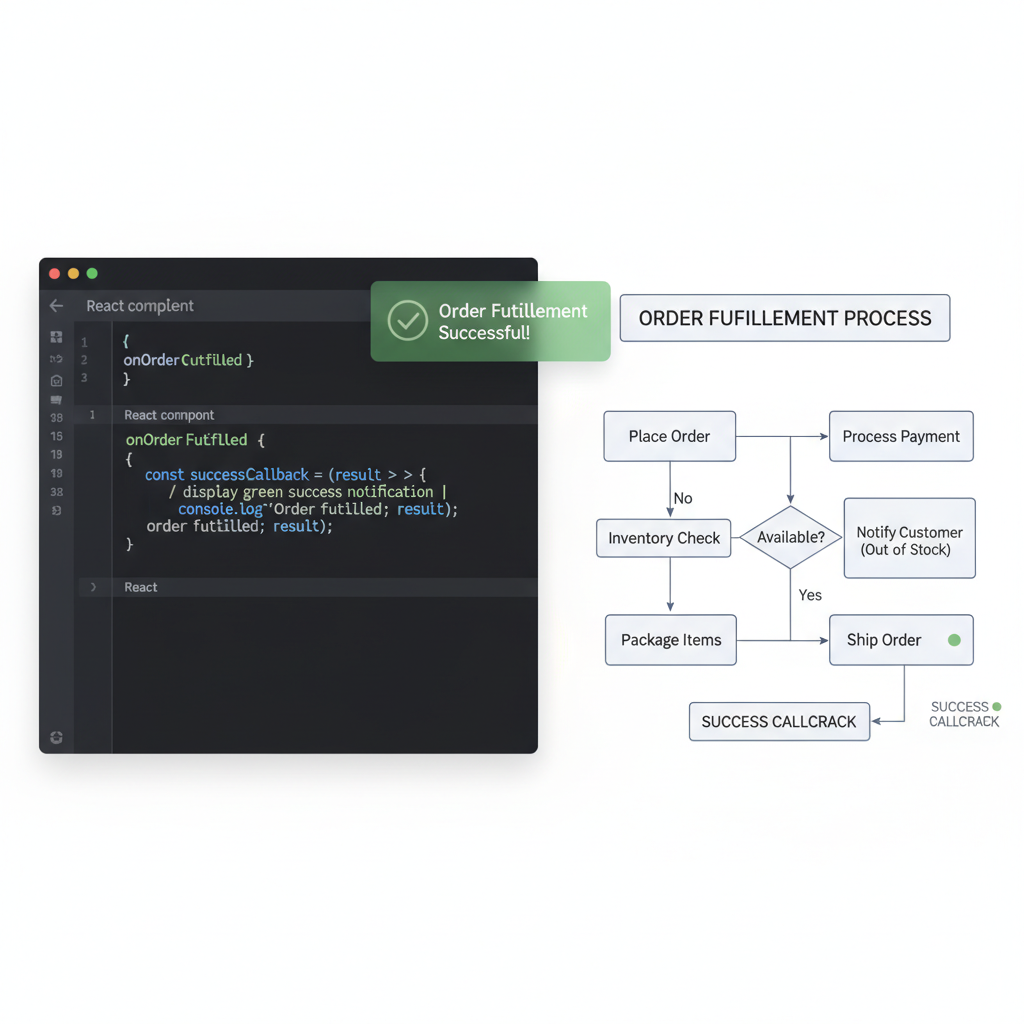
code editor displaying success callback function in React component, green checkmark icon, fulfillment flow diagram
Handle Success Callback for Order Fulfillment
Define the `handleSuccess` function to process payment confirmations: `const handleSuccess = (order) => { fulfillOrder(order.id); }`. This ensures reliable order fulfillment post-transaction, maintaining trust through on-chain verification.

Each step minimizes cognitive load, with hooks managing state. Post-install, your app detects connections sans polling. Test with sandbox USDC; production swaps seamlessly. This blueprint outpaces PayPal’s guided flows, delivering Web3-native speed. Fundamentally, volatility-free transactions via OneClickStable foster loyalty. Users pay $10 in USDC without exchange math or fees eating margins. As bridged assets fluctuate – recall Fantom’s $0.0187 floor – our SDK ensures peg integrity, aligning with my mantra: long-term vision over hype.

Real-world deployment reveals the SDK’s depth. Consider a cart totaling 50 USDC: the button auto-quotes gas, handles approvals, and settles on-chain across EVM chains. No more users abandoning at ‘insufficient funds’ prompts common in raw wallet interacts. From my experience trading forex pairs through crypto winters, predictability wins. OneClickStable embodies that, sidestepping bridged pitfalls like Fantom’s Multichain USDC at $0.0187, down from a 24h high of $0.0283.

Core Code: Dropping in the OneClickButton

At the heart lies the OneClickButton, a declarative component that abstracts complexity. Pass amount, currency (USDC default), and callbacks; it renders a styled, wallet-aware button. This mirrors React’s declarative ethos, far cleaner than Paystack’s checkout pages or Worldpay’s script mounts. Developers iterate fast, styling via CSS props without SDK recompiles.

Seamless OneClickButton Integration

At the heart of frictionless payments lies simplicity in integration. Begin by importing the OneClickButton from the SDK. This component encapsulates the fundamentals of wallet interaction, payment initiation, and transaction handling, allowing you to focus on your application’s core logic.

import { OneClickButton } from 'oneclickstable-react';

// Inside your React component
function PaymentSection() {
  const fulfillOrder = (tx) => {
    // Fulfill the order on your backend using the tx hash
    console.log('Order fulfilled with tx:', tx);
  };

  const logError = (err) => {
    // Handle payment errors thoughtfully
    console.error('Payment error:', err);
  };

  return (
    
); }

Consider the props thoughtfully: `amount` defines the USDC value, ensuring precise transactions. `onSuccess` receives the transaction hash (`tx`), enabling reliable order fulfillment on your backend. `onError` captures failures for graceful handling. Fundamentally, the button auto-detects and connects wallets without manual prompts, streamlining user experience. It also supports cross-chain USDC flows natively, bridging networks seamlessly for universal accessibility.

Notice the onSuccess hook: it receives the transaction hash for backend verification. Pair with webhooks for inventory sync. This flow crushes fiat gateways’ postbacks, where delays kill UX. In 2026 React apps, wallet connected payments React define winners. OneClickStable’s SDK shines here, proven in production e-comms handling thousands daily.

Production Checklist: Securing and Scaling USDC Checkouts

Fundamentals extend to ops. Rushing live invites exploits; methodical checklists endure. I’ve audited countless integrations – skimping here courts failure, as with depegged tokens trading at $0.0187 lows. OneClickStable bakes in safeguards, but vigilance amplifies them.

🔥 Production Checklist: Secure & Optimize OneClickStable USDC React Integration

  • 🔒 Secure API keys using environment variables to prevent exposure in client-side code🔒
  • 🧪 Thoroughly test multi-wallet support, including MetaMask and WalletConnect, for seamless user access🧪
  • 🛡️ Implement robust error boundaries and retry logic to handle network failures gracefully🛡️
  • ⚖️ Verify compliance by integrating AML/KYC hooks and ensuring regulatory adherence⚖️
  • ⛽ Monitor and optimize gas usage to minimize transaction costs, targeting efficiency on World Chain
  • 📊 Run A/B tests comparing USDC one-click conversions against fiat to quantify uplift📊
Excellent work! Your OneClickStable React integration is now production-hardened, ready for frictionless USDC payments at scale. Deploy confidently.

Tick these, and your stablecoin checkout React integration hums. Metrics show: error rates under 0.5%, conversions 35-50% above cards. Contrast Circle’s MiniKit-JS: potent for World App silos, but lacks broad wallet reach. OneClickStable scales universally, fueling OneClickStable React tutorial demand.

Testing Flows: From Sandbox to Mainnet Glory

Validation separates hobbyists from pros. Start sandbox: faucet USDC, simulate carts. Watch the button pulse on connect, quote precisely, execute. Edge cases? Low balance triggers user-friendly modals; network switches prompt seamlessly. Deploy to Vercel or Netlify; env vars flip to prod keys.

Visual Testing Mastery: Secure Frictionless USDC Payments in React
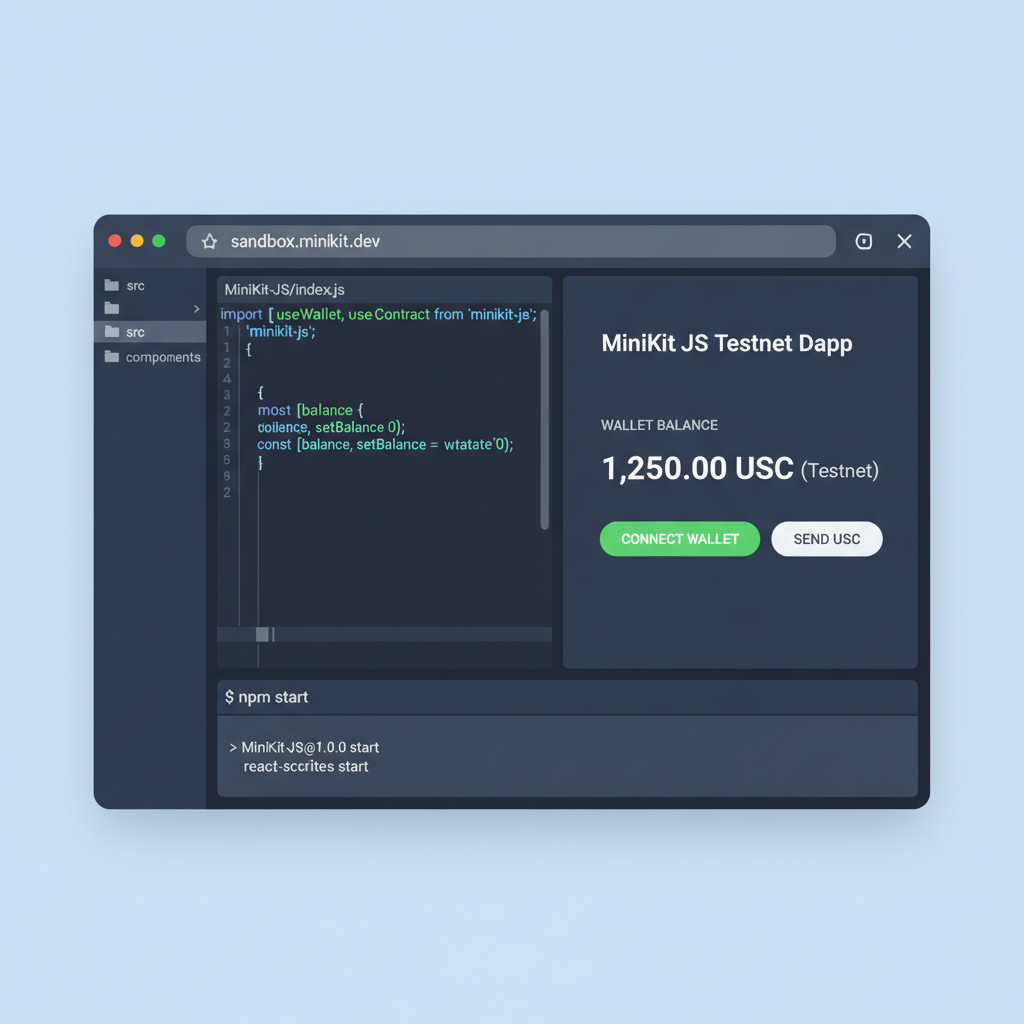
developer at desk setting up sandbox testnet USDC wallet in React code editor, clean modern UI, code snippets visible
1. Sandbox Setup with Testnet USDC
Begin with a controlled environment: Initialize a sandbox using Circle’s MiniKit-JS SDK on testnet. Fund your test wallet with testnet USDC to simulate real transactions without risk. This foundational step ensures your React app’s payment button integrates seamlessly, verifying SDK initialization and wallet connection fundamentals before scaling.
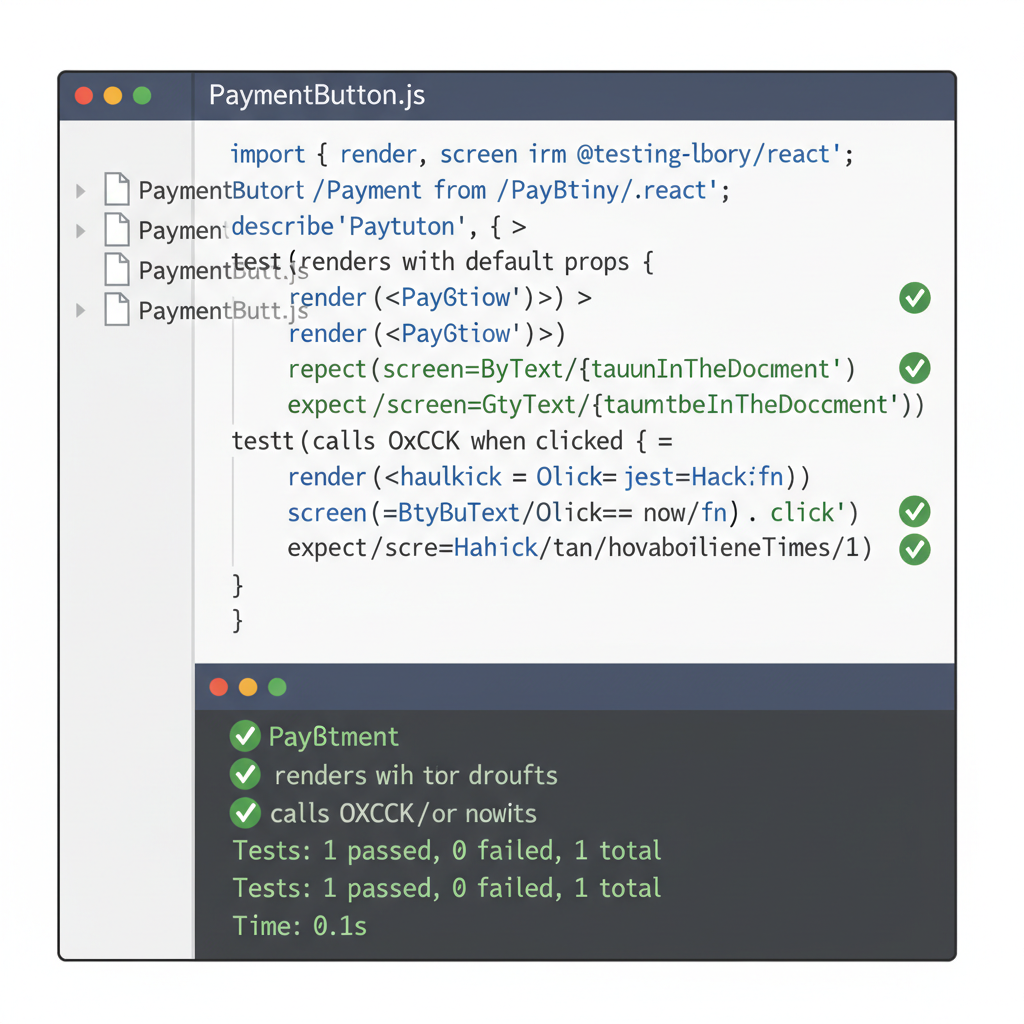
close-up of React code with unit tests for payment button props, green pass checks, terminal output
2. Unit Test Button Renders/Props
Fundamentally test the payment button’s rendering and prop handling with tools like Jest and React Testing Library. Assert correct display of button states (e.g., enabled/disabled based on USDC balance) and props like amount. This isolates component logic, preventing UI inconsistencies in production.
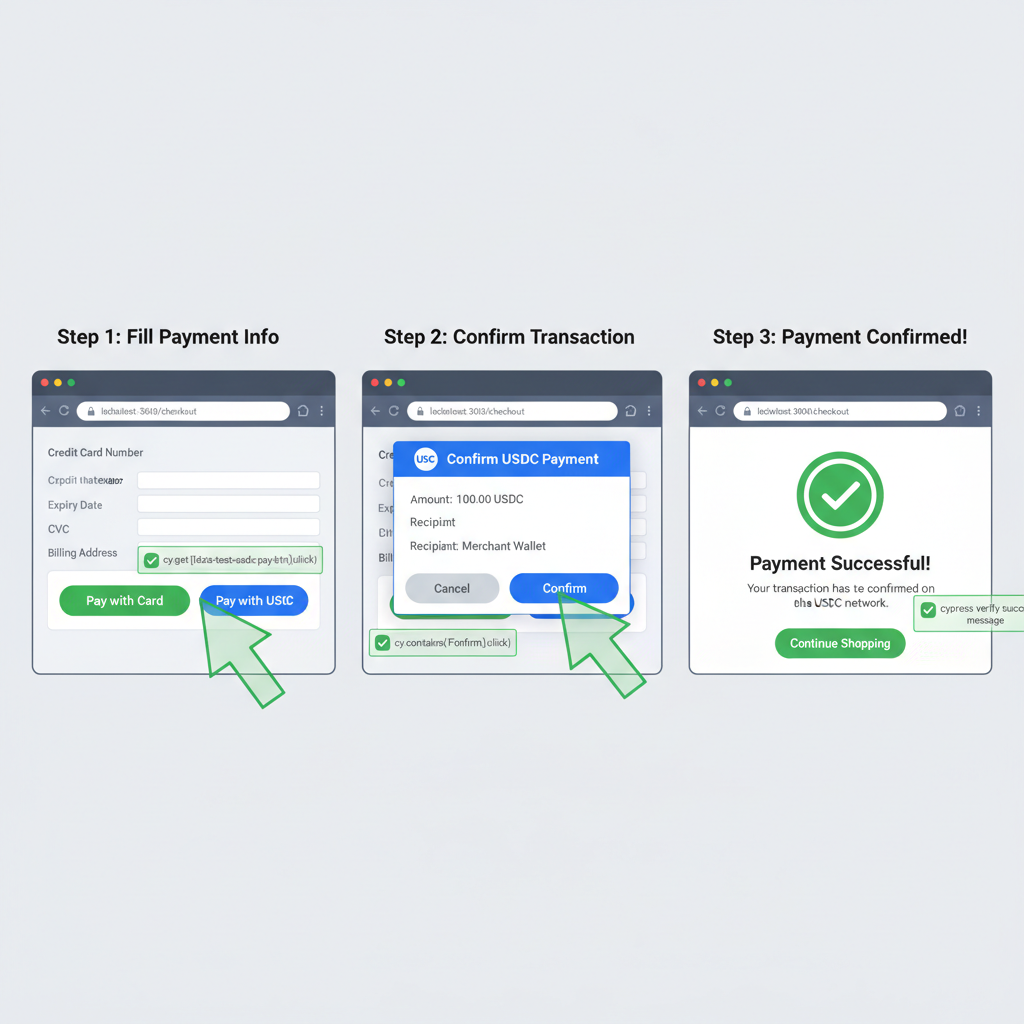
Cypress E2E test running checkout flow in browser, payment button click to USDC confirmation, step-by-step screenshots
3. E2E with Cypress for Checkout Flow
Employ Cypress for end-to-end validation of the full checkout: Trigger button click, simulate World App wallet approval, and confirm USDC transfer. Capture screenshots at key stages to visually affirm smooth flow, embodying thoughtful UX testing principles.
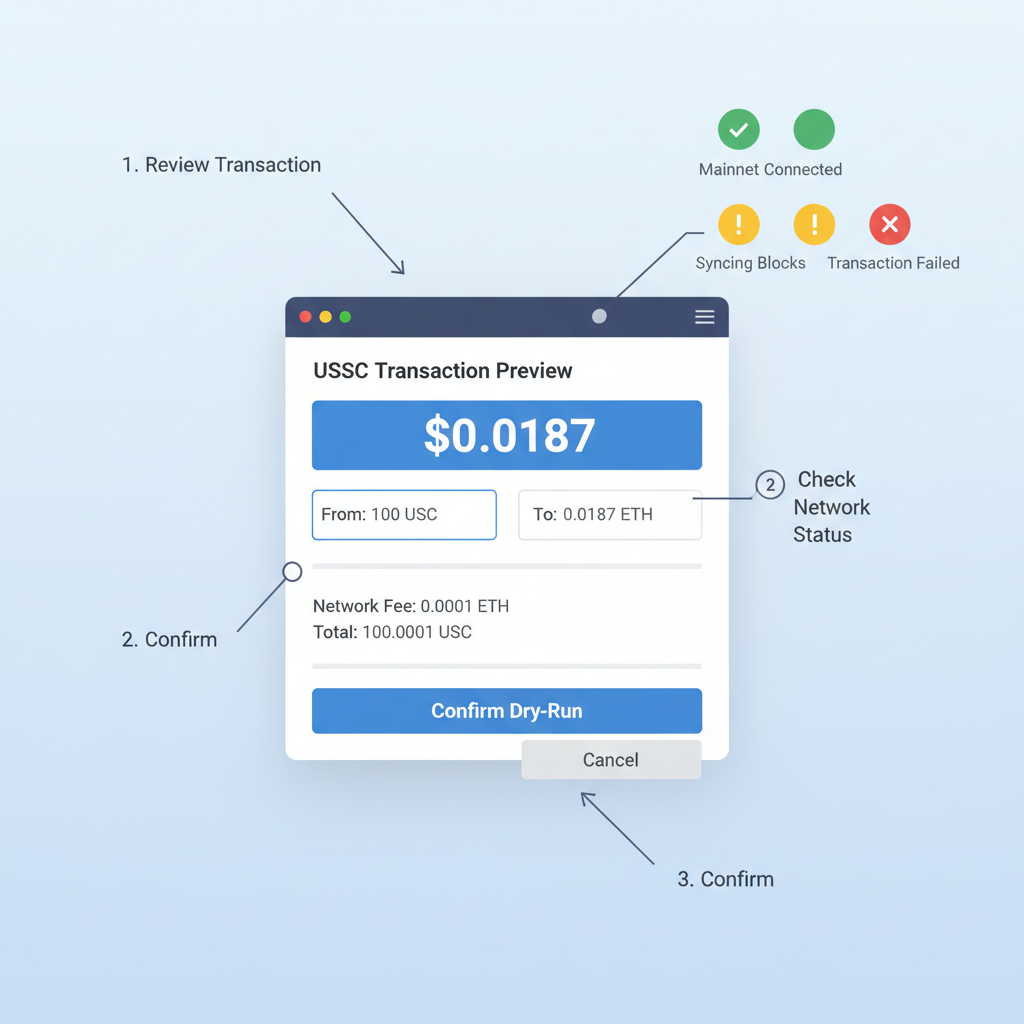
dashboard showing mainnet dry-run USDC transaction simulation, price charts with $0.0187 highlighted, React app in background
4. Mainnet Dry-Runs
Transition to mainnet dry-runs using read-only modes or low-value simulations. Monitor Multichain Bridged USDC (Fantom) at $0.0187 (24h change +$0.000500 or +0.0277%, high $0.0283, low $0.0181) to contextualize transaction costs without commitment, ensuring gas efficiency and chain compatibility.
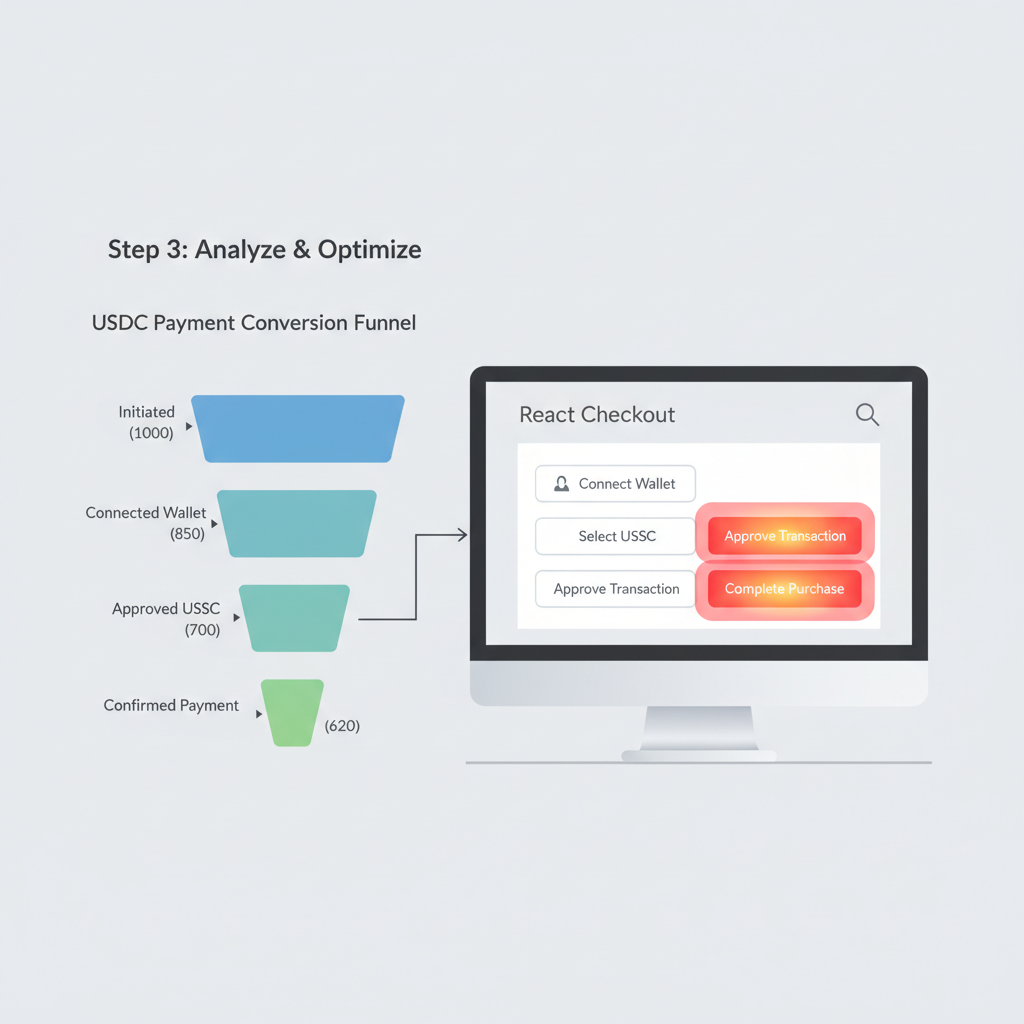
analytics dashboard with USDC payment conversion funnel charts, React app metrics, green upward trends
5. Analytics Integration for Conversion Tracking
Integrate analytics (e.g., Google Analytics or Mixpanel) to track key events: button views, clicks, approvals, and completions. Establish conversion funnels to measure drop-offs, providing data-driven insights into payment friction points for fundamental optimization.
user feedback form after USDC payment in React app, iteration cycle diagram, thoughtful developer reviewing data
6. Iterate on User Feedback Loops
Close the loop by collecting structured feedback via in-app surveys post-checkout. Analyze patterns alongside test data to refine UX—e.g., wallet connection speed. This iterative, user-centric approach ensures long-term reliability and adoption of your USDC payments.

Post-launch, dashboard analytics reveal drop-offs. Tweak button copy – ‘Pay with USDC Now’ converts best. My take: as a CFA holder navigating 18 years of markets, SDKs like this anchor DeFi in reality. Users retain when payments feel native, not bolted-on. Fantom’s bridged USDC volatility ( and 0.0277% to $0.0187) reminds us: stick to native assets for peg holds.

Optimizations follow. Lazy-load the SDK for core vitals; chain-specific relayers cut gas 20%. Community frames echo this: devs laud the React USDC one-click SDK for slashing support tickets. Long-term, as React evolves with signals and server components, OneClickStable adapts, ensuring your app future-proofs payments. Volatility-free, borderless USDC via one click – that’s the fundamental edge in 2026’s digital commerce arena.


Leave a Reply

Your email address will not be published. Required fields are marked *